More ways to create tests
Overview
While the standard From instructions mode is the most common way to build specific tests, you can use our Agents to autonomously discover test scenarios based on existing tests, URLs, or documentation.
In these modes, the agent analyzes your input and presents a list of suggested test cases. You can then accept or reject each suggestion.
Agent modes
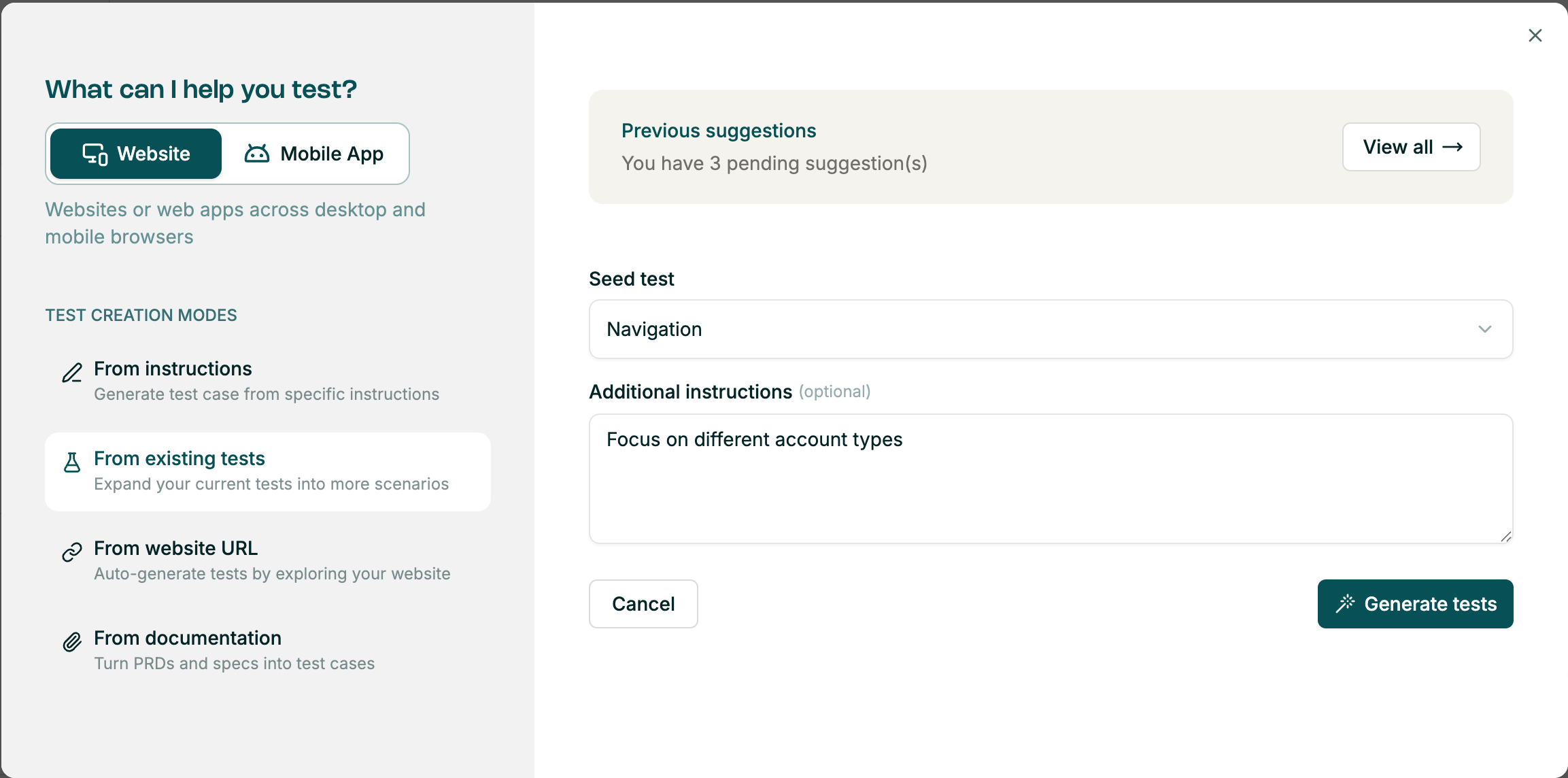
From existing tests
How it works: Select a "seed test" from your library. The Explore Agent analyzes that test's logic and suggests related scenarios, edge cases, or "what-if" variations.
Best for: Increasing test density around critical features, starting from a single base test.
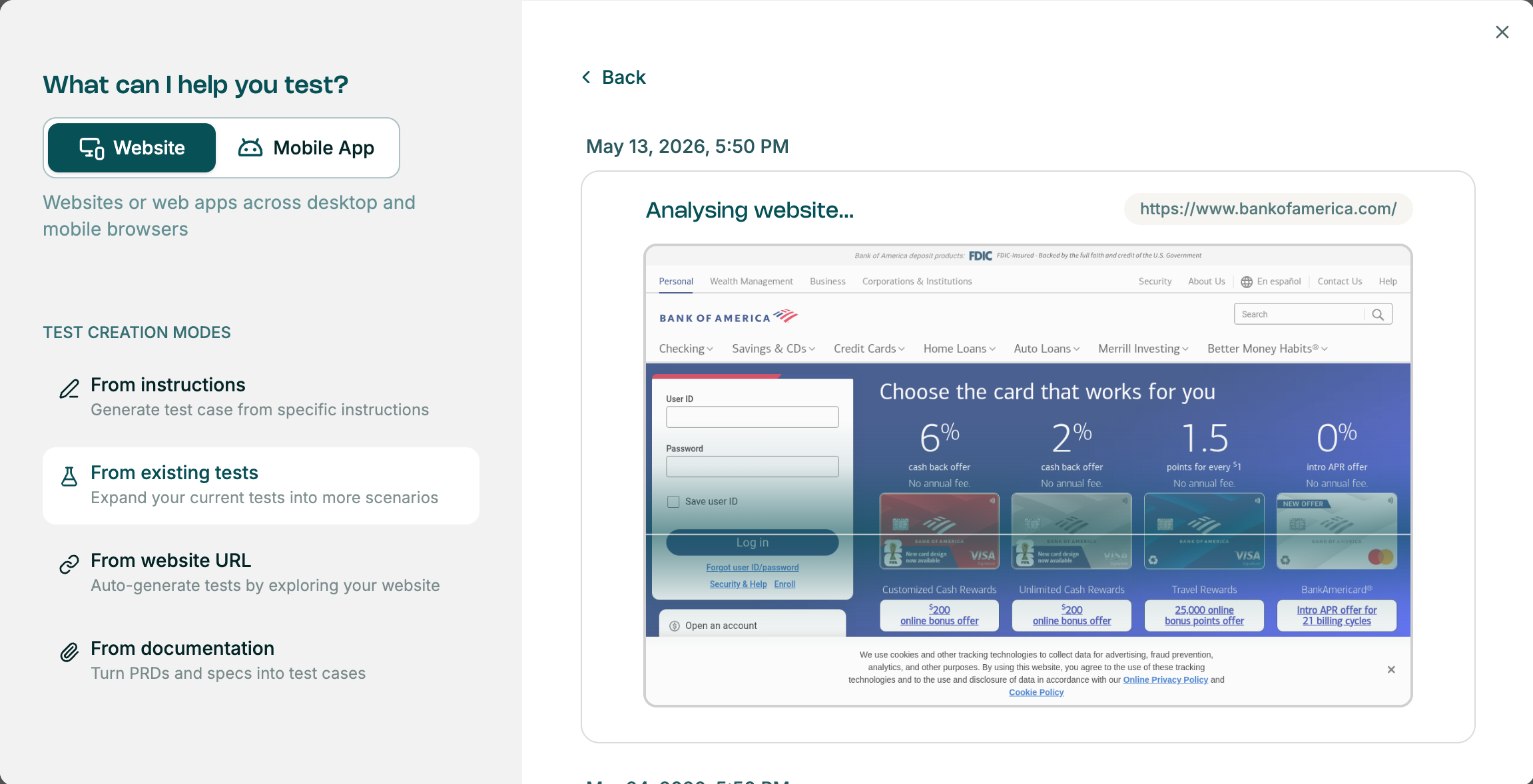
From website URL
How it works: Provide an initial URL. The agent "crawls" the page to understand the available elements (buttons, forms, links) and suggests tests based on the site's structure.
Best for: Exploring unfamiliar parts of your application without writing manual instructions.
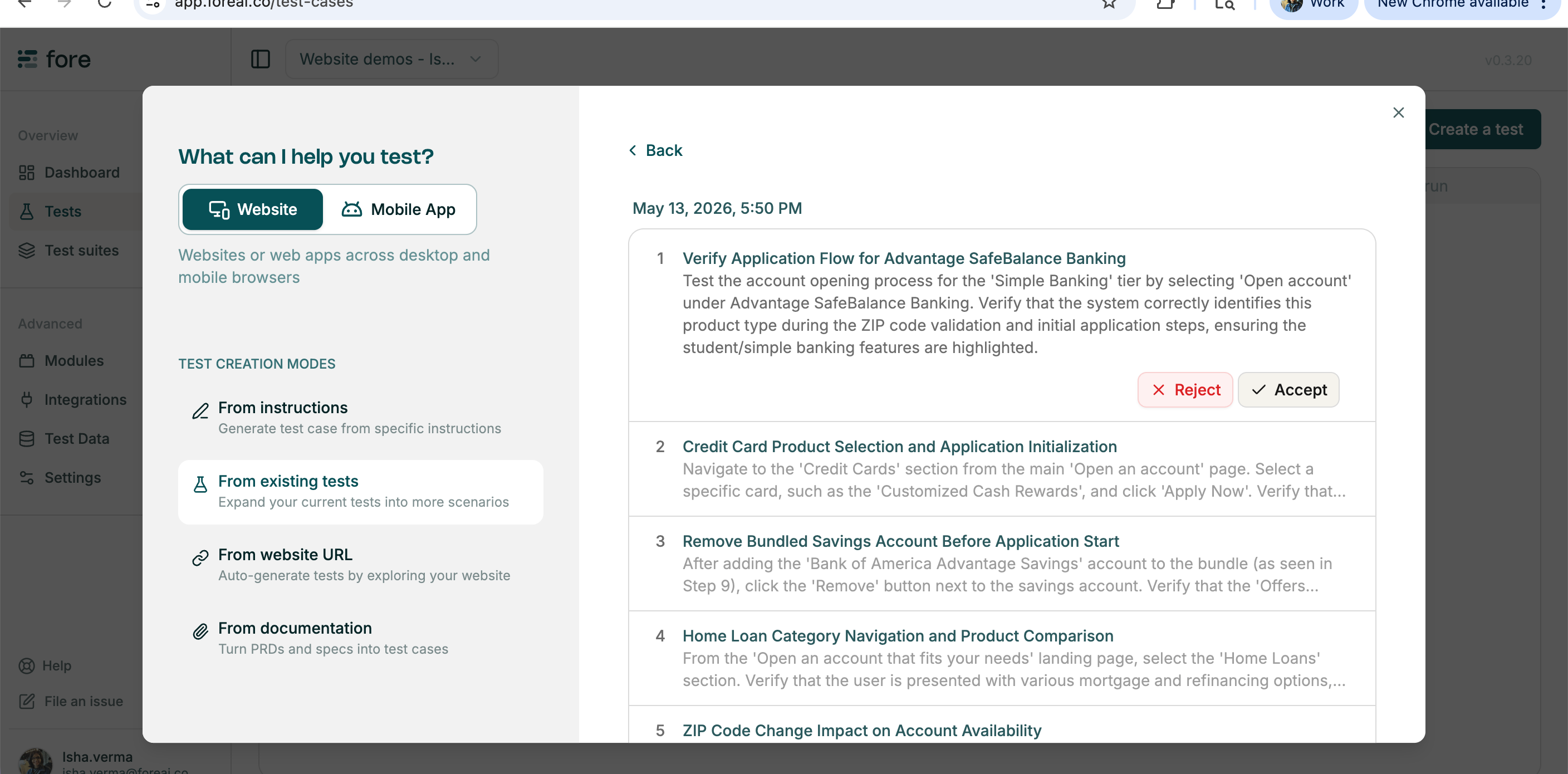
From documentation
How it works: Provide an initial URL and upload a PRD (Product Requirement Document) or spec sheet. The agent extracts the intended logic from the document and suggests test cases that verify the requirements are met.
Best for: Ensuring test coverage aligns directly with written product requirements.
Additional instructions
Use the optional Additional instructions field to guide the Explore Agent toward specific areas of interest — for example:
"Focus on the checkout flow""Ignore the footer links"
This ensures the generated suggestions align with your current testing priorities.