Modules
Overview
Modules are reusable building blocks designed to handle pre-execution logic for the current test case to begin. They allow you to continue where you left of in previous cases, prepare the testing environment, manage data, or restore a specific application state by execuitng previously finalized steps before the new child test's primary test steps begin.
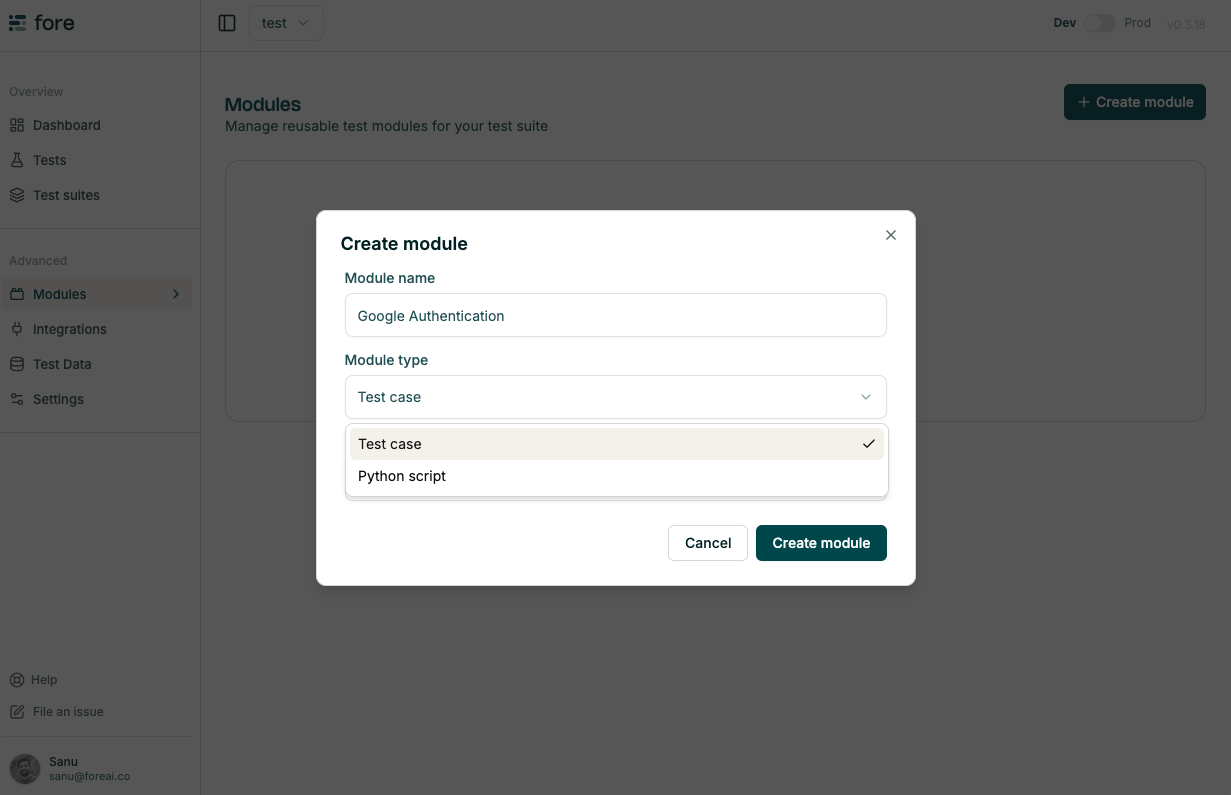
Module can be created from:
- Another testcase
- Python script (approved by fore admin)
Note: All Python-based modules must be reviewed and approved by a Fore Admin before they can be used in a live environment.
Implementation guide
To integrate a module into your workflow:
-
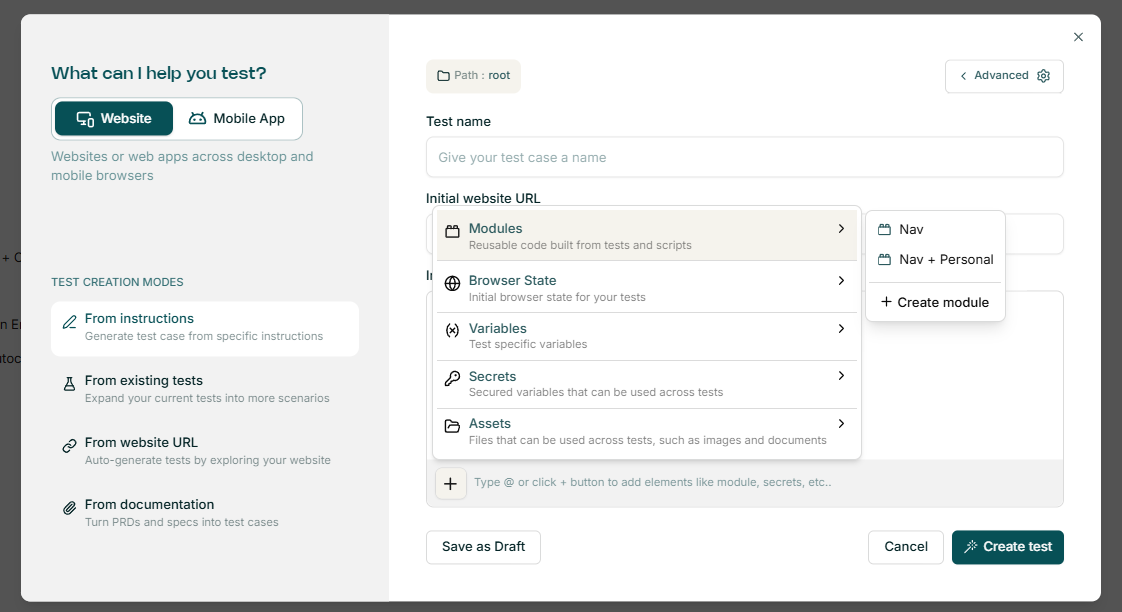
In the test creation window, click the + icon to access the test case options.
-
Select Modules and choose the relevant module from your project library.
-
Upon clicking Generate, the agent will create a "Setup with Module" step. This step encompasses all the pre-defined logic within that module.
Chaining modules
Modules can be nested or "chained" to create layered test case environments. For example, if Module B requires the user to be authenticated, it can include Module A as its first step.
When a test is generated using a chained module, the system executes the entire logic path — from the base setup to the final state — ensuring the environment is fully prepared and at the correct starting point for the new test instructions.
Complexity management: For large workflows such as comprehensive registration or multi-stage applications, modules allow you to consolidate the entire sequence into a single "Setup" block. This keeps your primary test scripts clean, focused, and easier to maintain.
Chaining Example: Multi-Page bank account application
The following example demonstrates how modules can be chained for a multi-page application process (e.g., opening a bank account). Instead of recording the entire flow each time, it is broken into logical blocks that build upon one another:
-
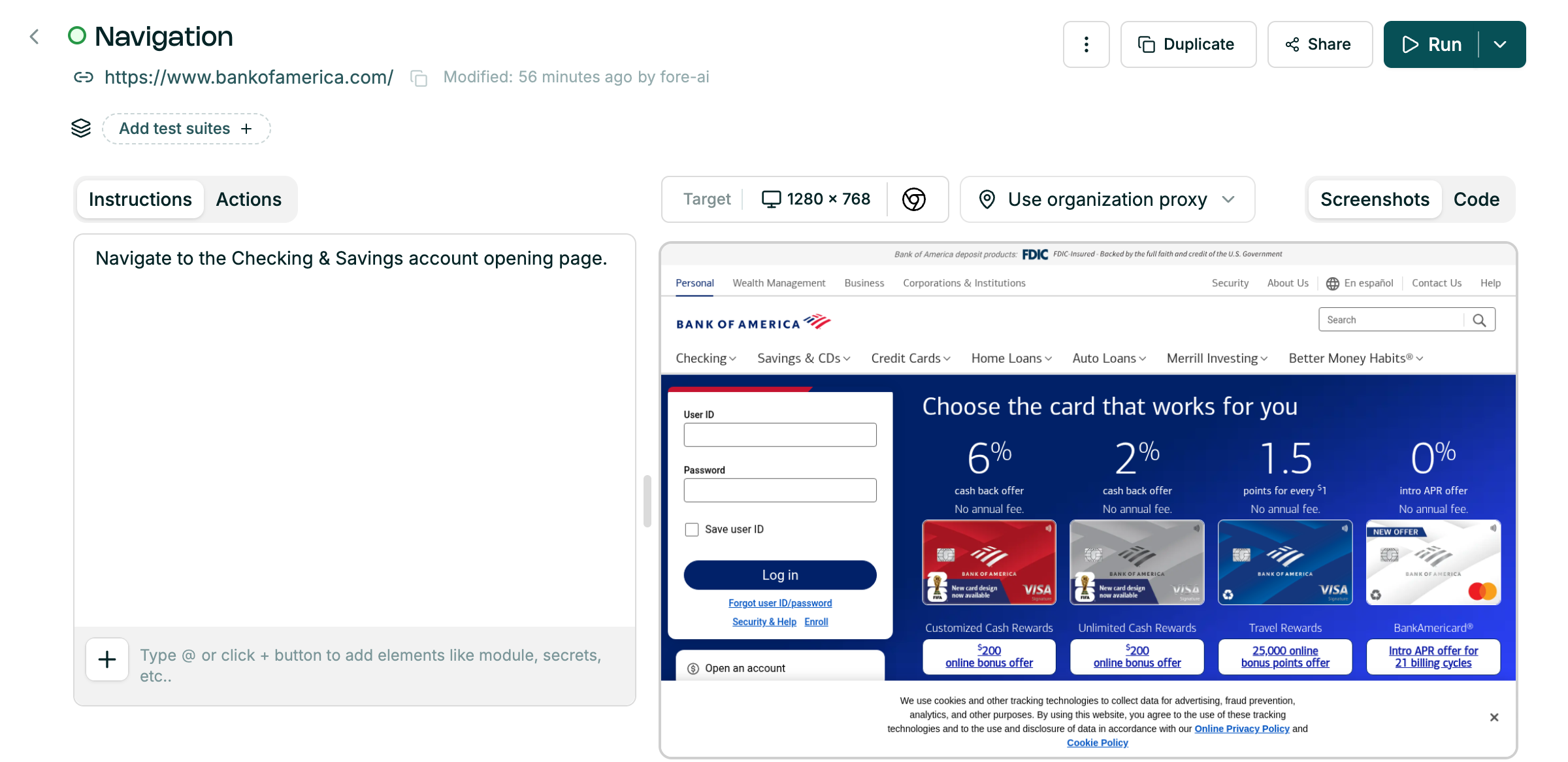
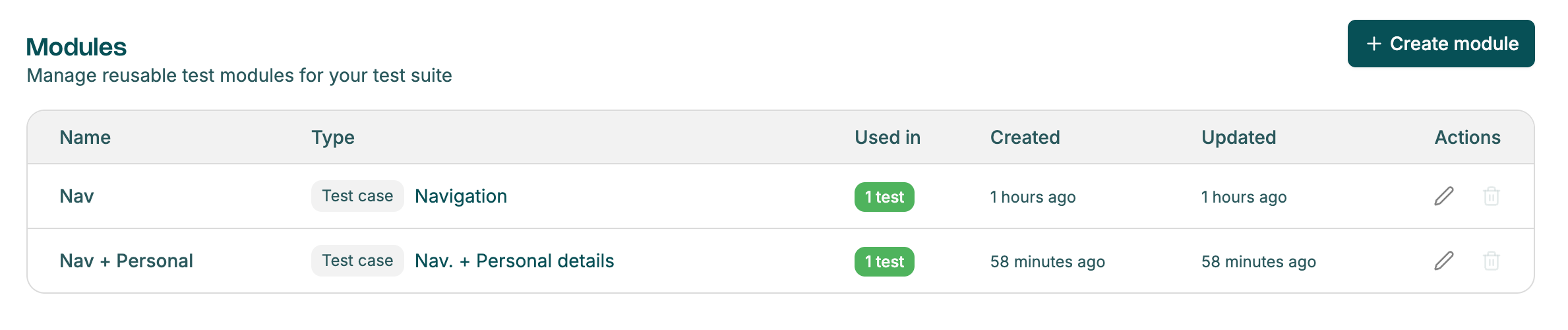
Navigation module — handles the initial page navigation.
-
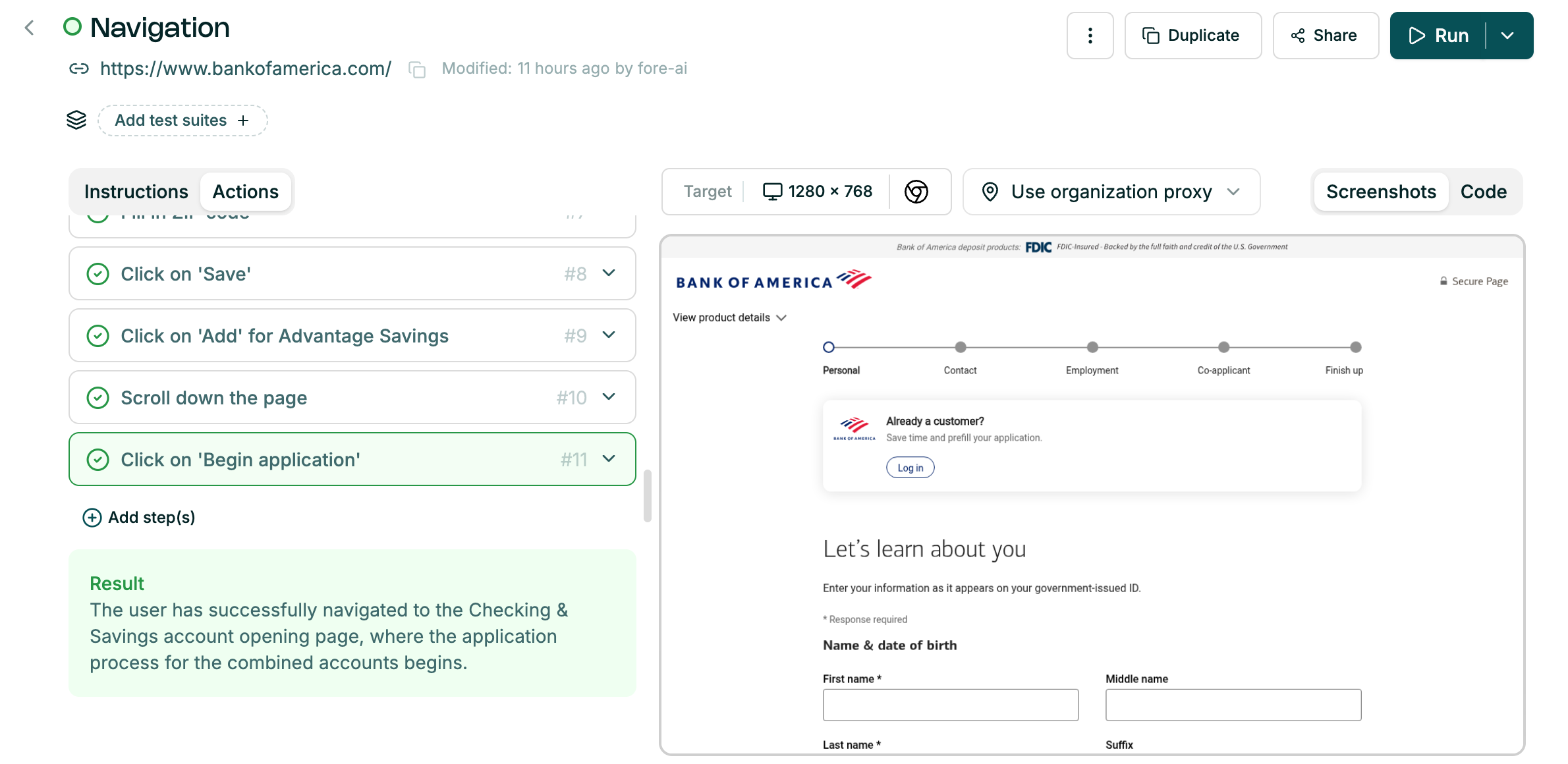
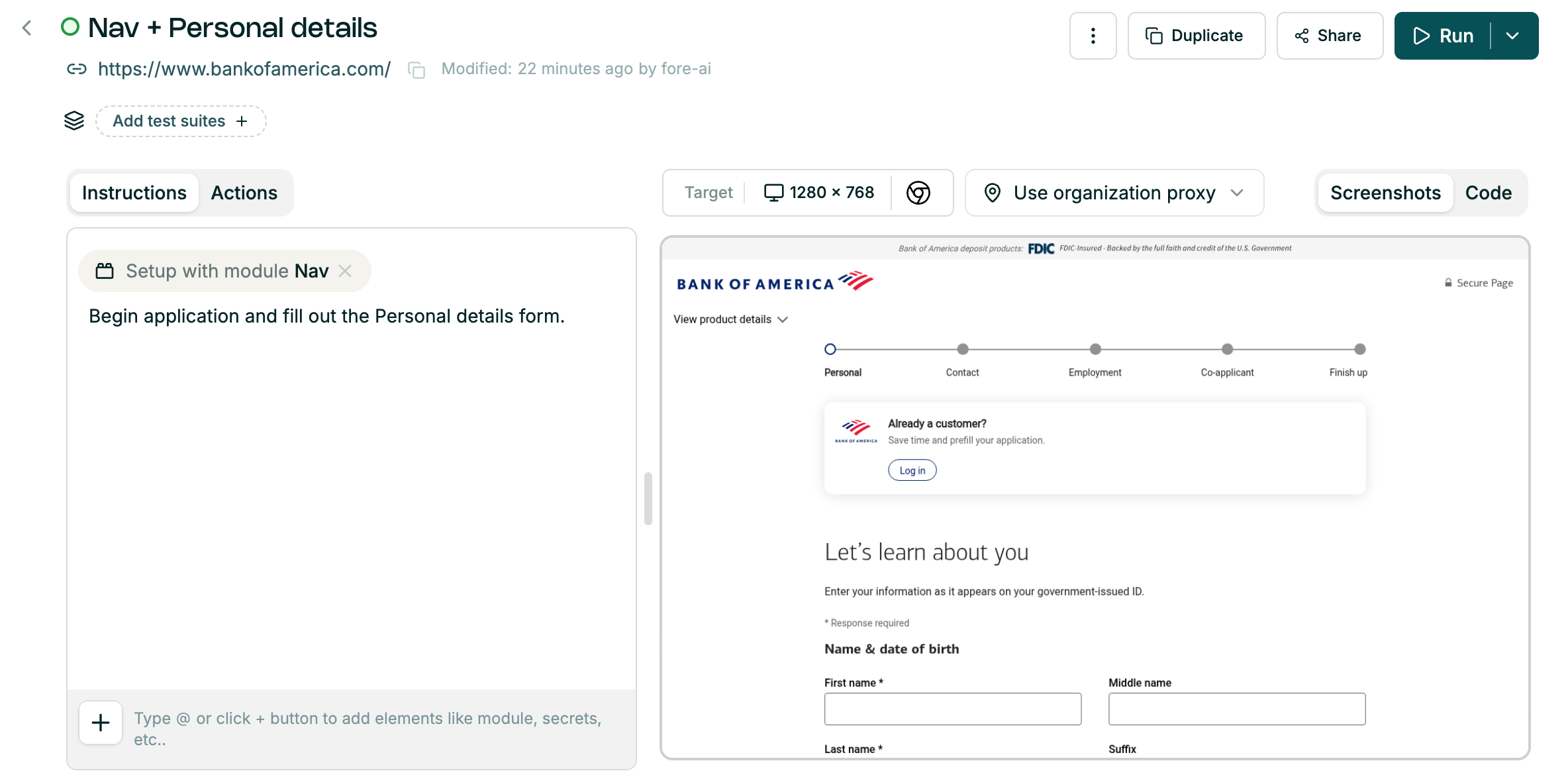
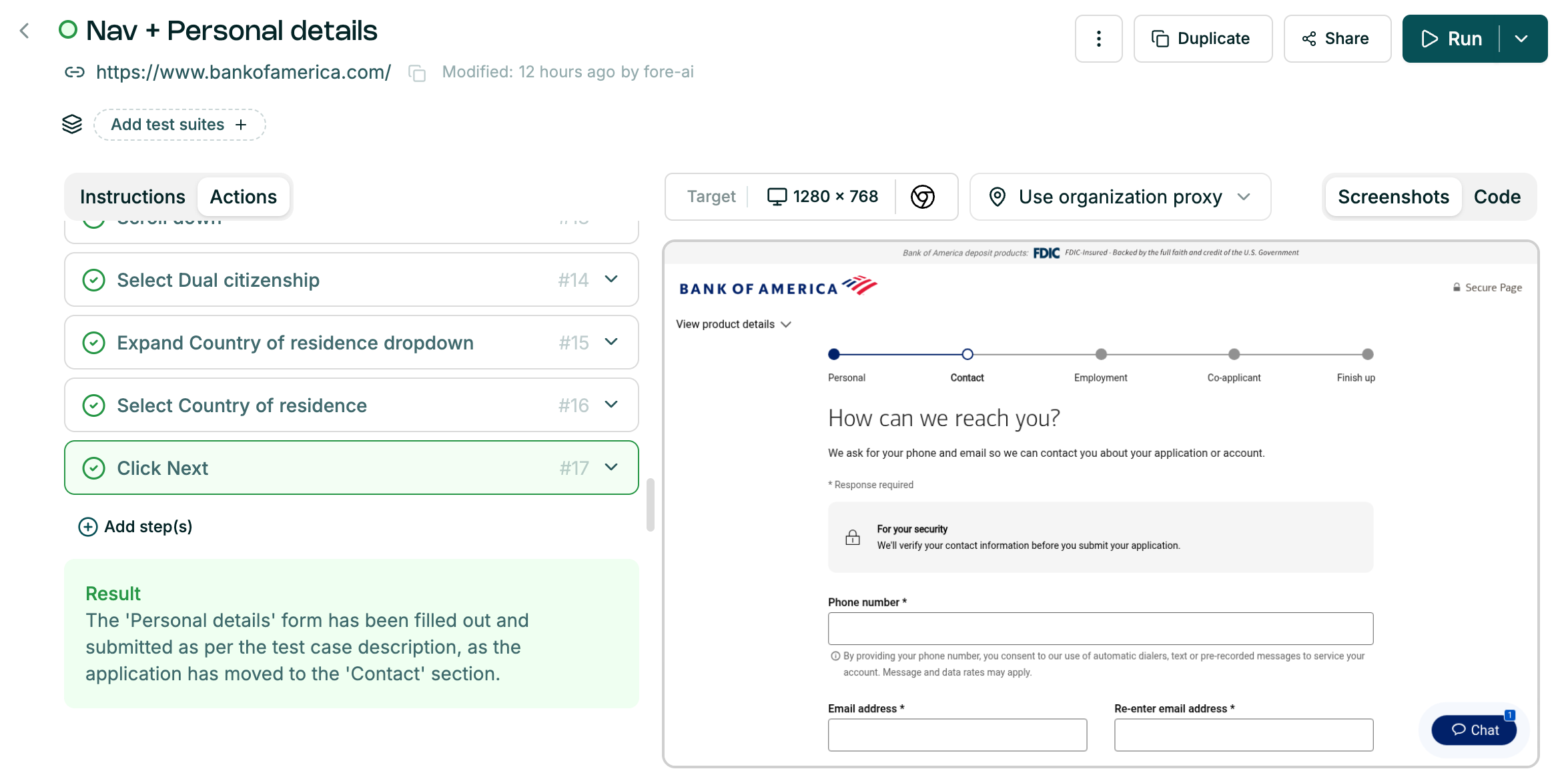
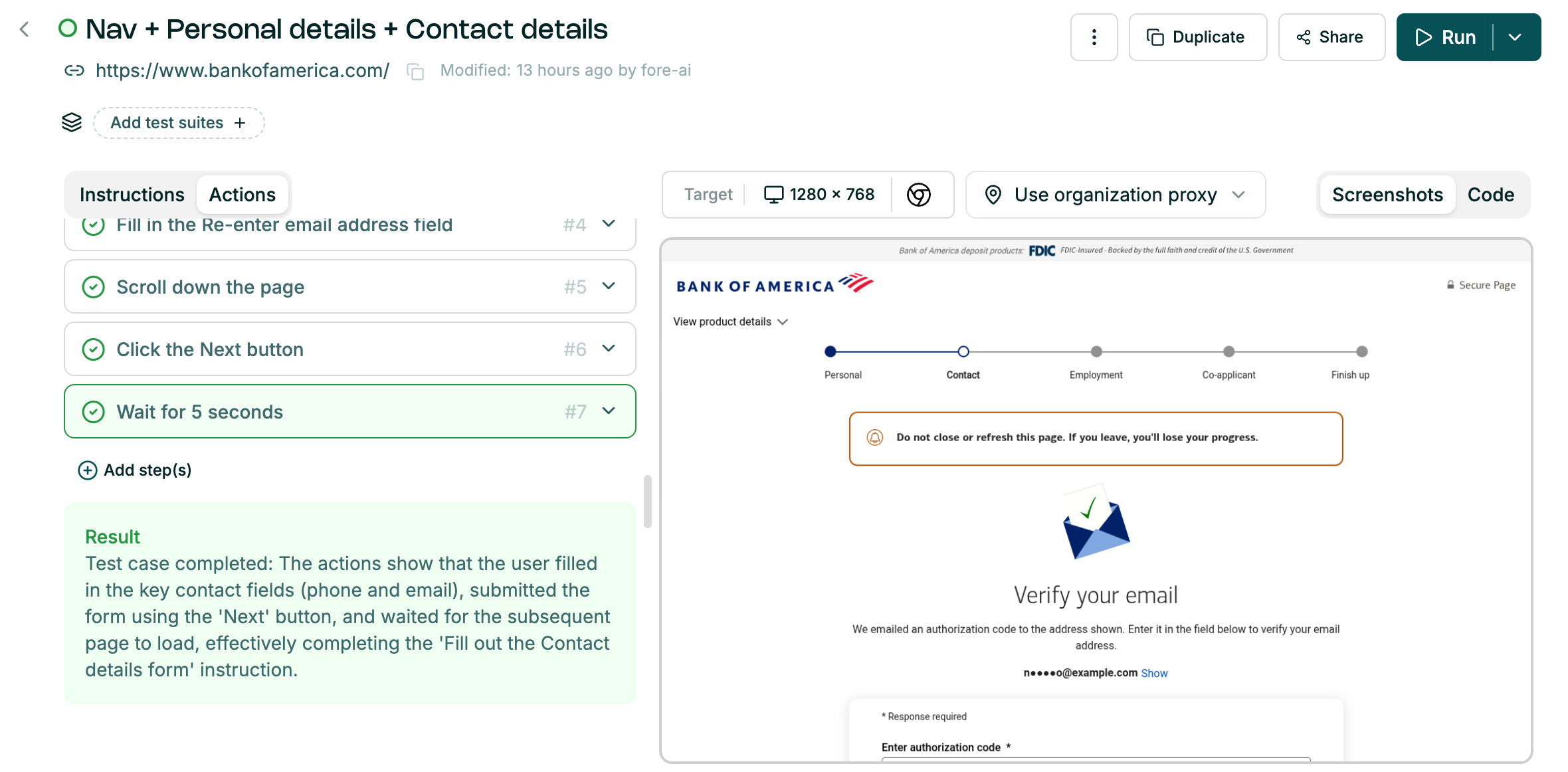
Nav + Personal Details Module — uses the navigation module as a base, then jumps directly to the Personal Details form without re-doing the navigation steps.
Review Modules:
-
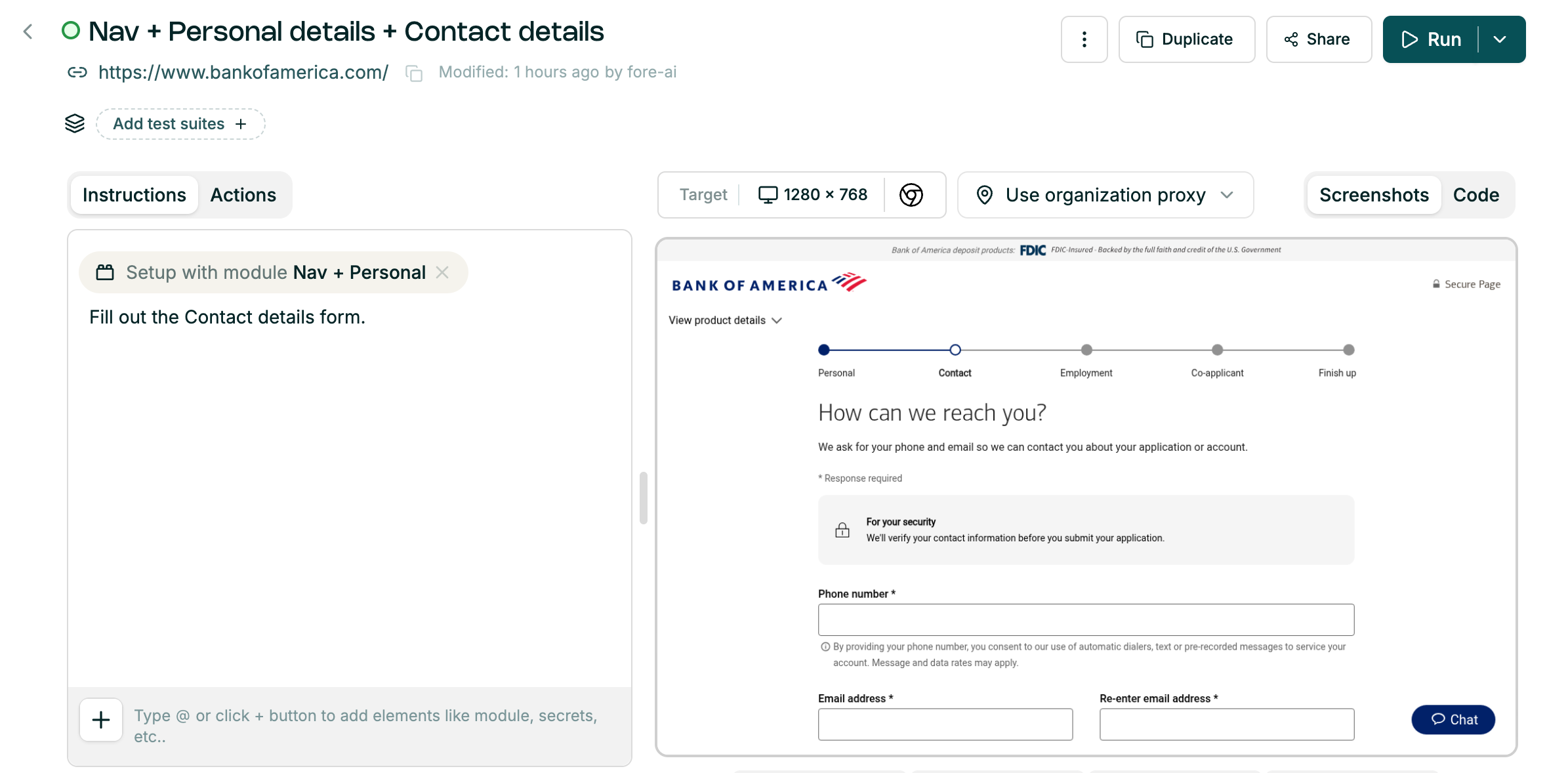
Nav + Personal Details + Contact Details Module — uses the previous module as a base and extends the flow to also complete the Contact Details section.
Example usage patterns for python scripts:
- Clean the account data
- Reset the databases
- Inject test data, populate database with data to operate on
- Use your product internal API.