CI/CD Integrations
Test automation works best when integrated into your CI/CD pipeline. Tests should be triggered after a new build is pushed to make sure the build works correctly and there are no regressions.
fore ai supports all major CI/CD platforms out of the box:
- GitHub Actions - use the
foreai-co/cj-actionmarketplace action - GitLab CI/CD - use the GitLab CI/CD component from the catalog
- Jenkins - run the Docker-based runner on any Jenkins agent
- Tekton - run as a Tekton Task on any Kubernetes cluster
- Azure DevOps - run the Docker-based runner on any Azure Pipelines agent
Service account key
All integrations require a service account key to authenticate with fore ai.
Find your key in the fore ai Settings page:
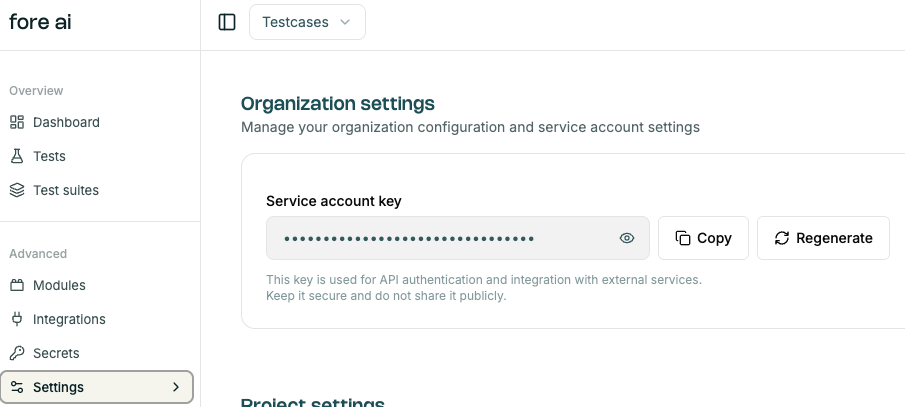
Each platform stores the key as a secret/credential — see the platform-specific page for exact instructions.
Getting notifications
You can get notifications directly from your GitHub Action. It's also possible to send notifications to channels of:
- Google Chat
- MS Teams
- Slack
by adding a section in your YAML file. Consult your favorite LLM Chat to learn how to set up a Webhook URL to your channels and format the message.