Renaming & filtering tests
Renaming tests
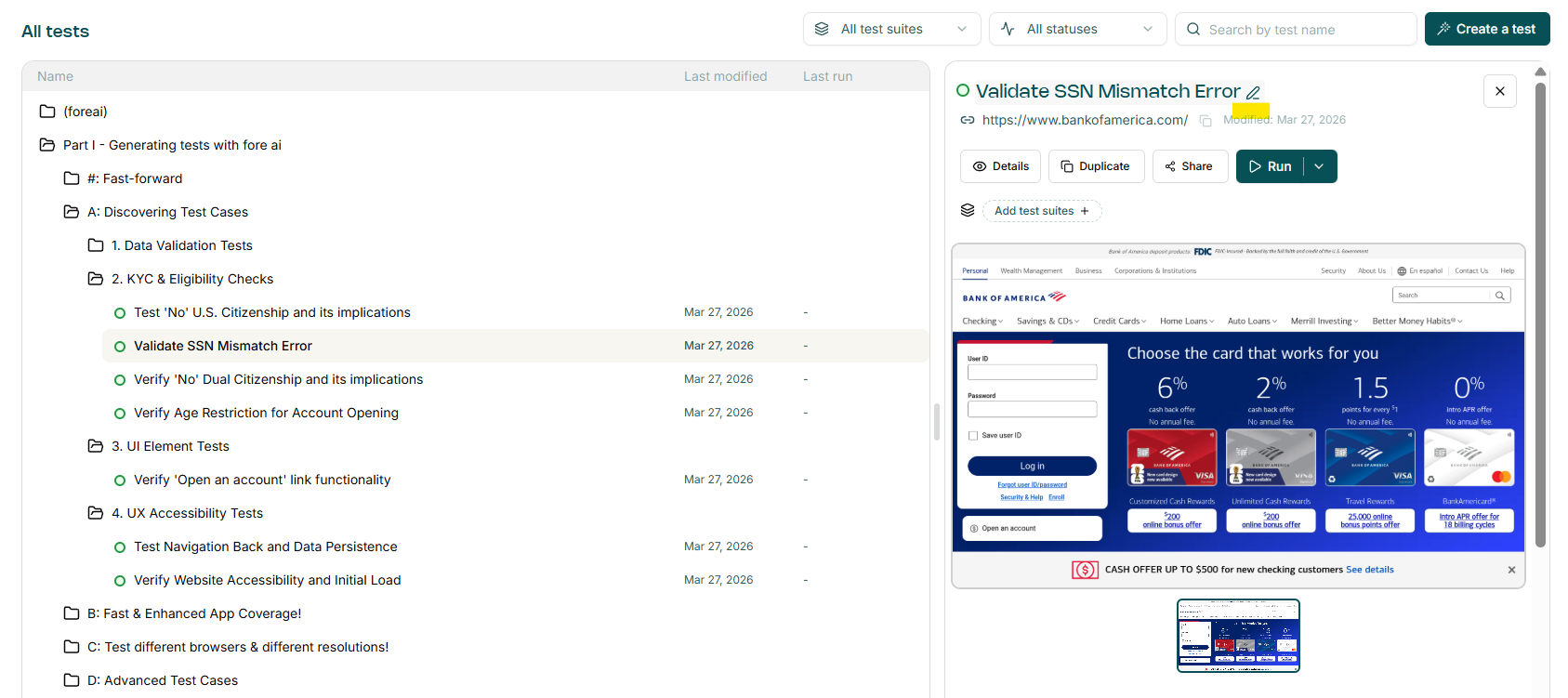
To rename a test simply click on the test case name on either the Test Case summary pane:
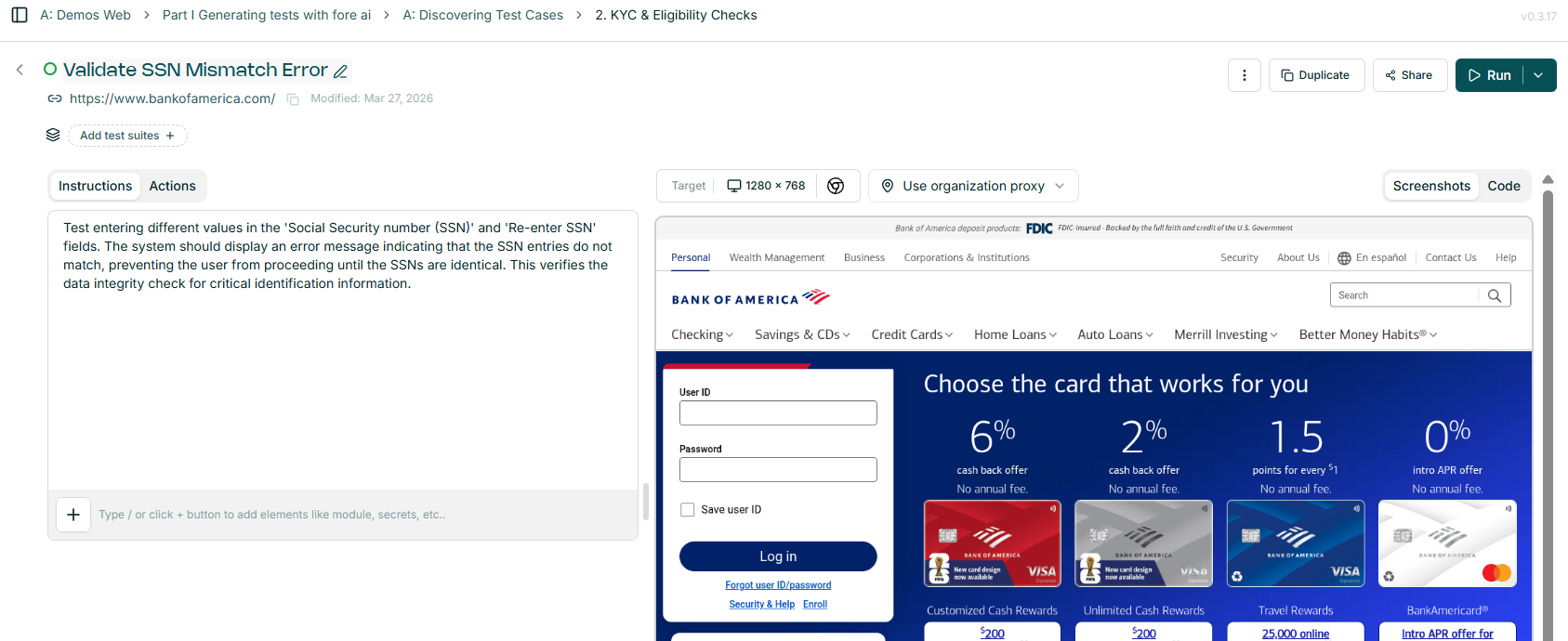
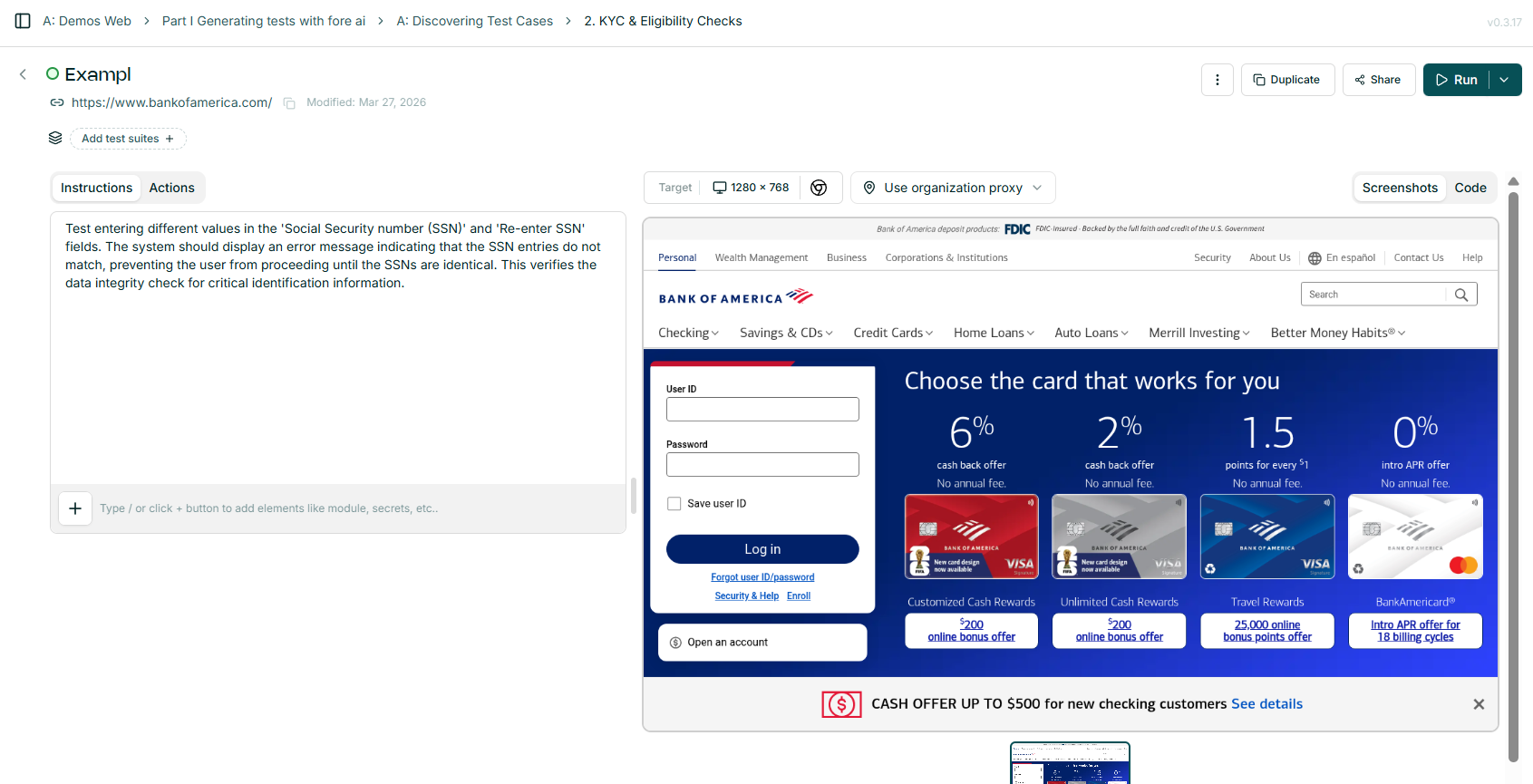
Or on the test case details page:
Filters
The test list can be filtered using the controls at the top of the Tests page.
Filter by test suite — show only tests that belong to a specific suite.

Filter by status — narrow results to a particular last-run status: In progress, Completed, Failed, or Error.
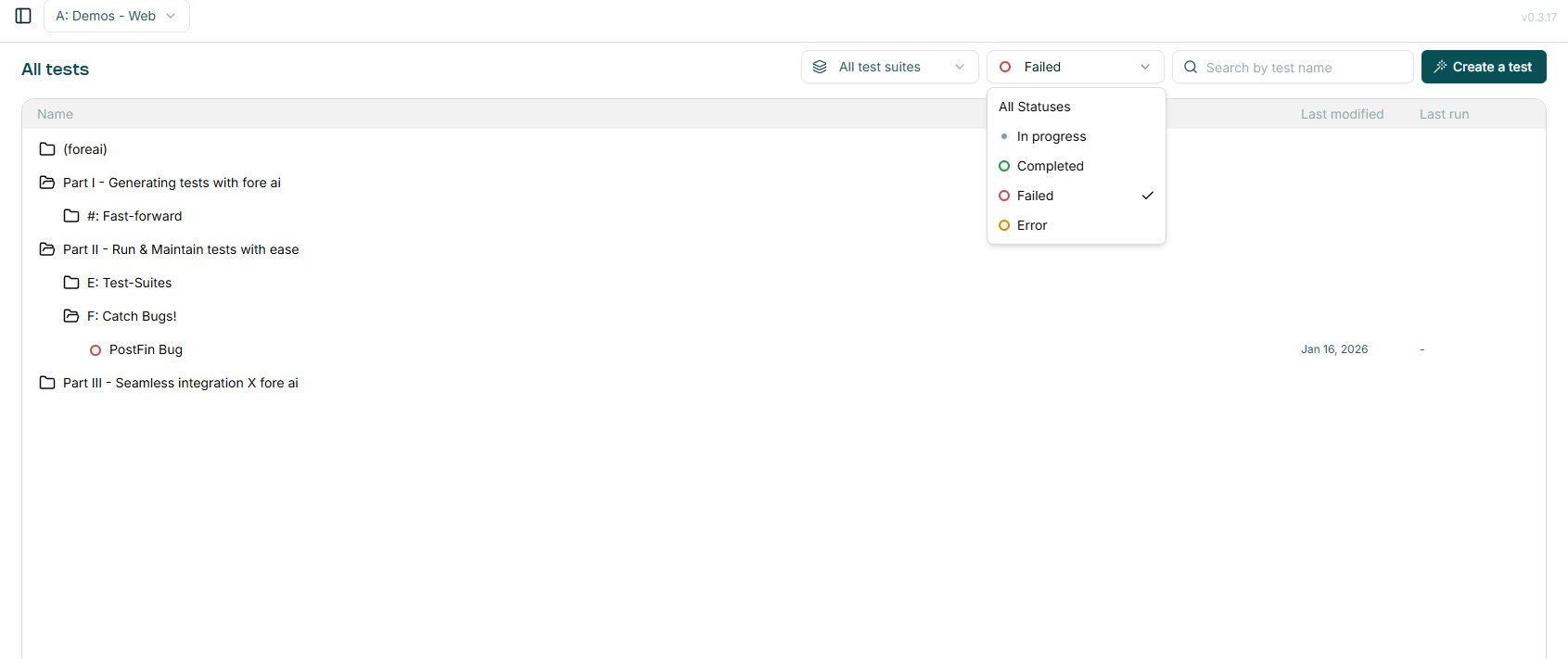
Search by name — type in the search box to filter tests by name. The list updates as you type.
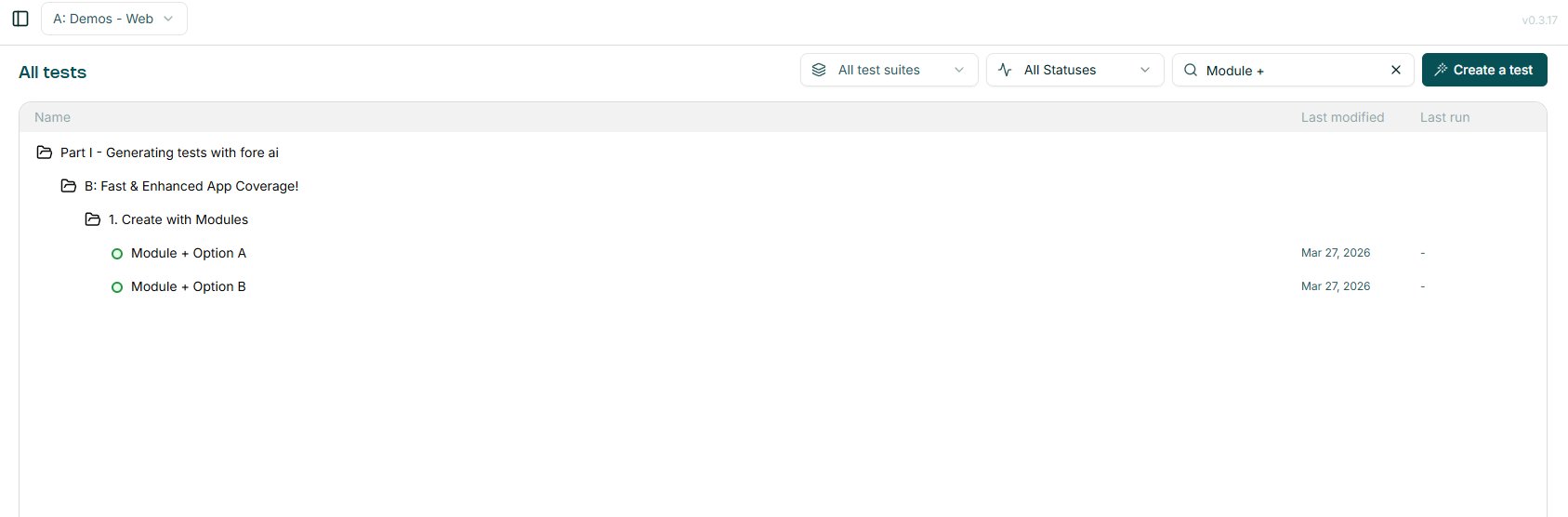
Filters can be combined — for example, filtering by suite and status at the same time.