Parameters in Runs
Recap
Test cases can have individual parameters (called 'Variables'), that are visible only for one
testcase, or shared parameters (called Secrets), visible for all testcases in the project.
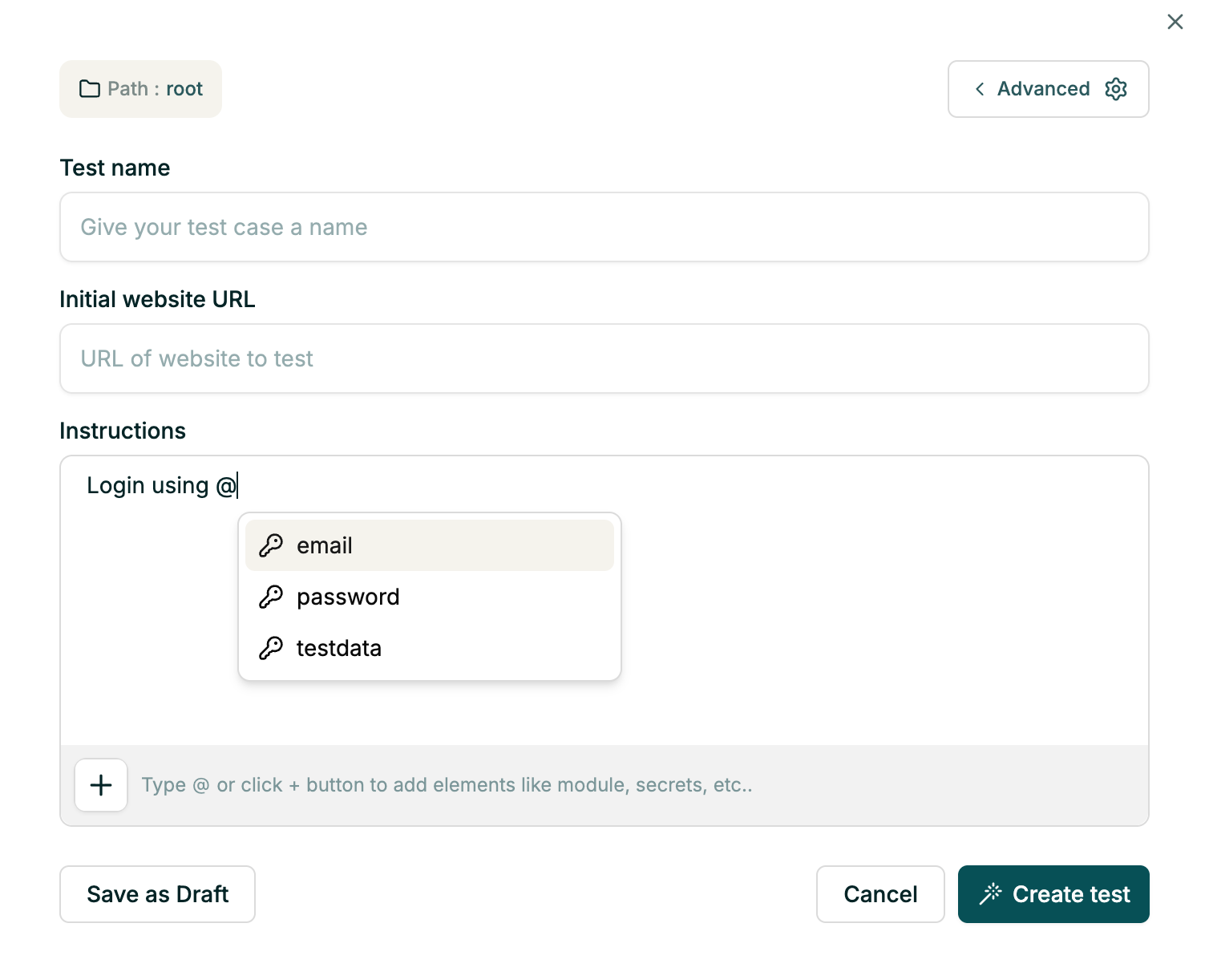
To use the parameter value in the testcase instructions, use @param_name, like:
Login with @username / @password and search for @product_name.
Overriding parameters on individual tests
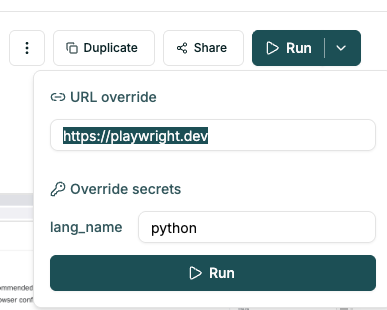
It's possible to override the parameter values and URL from the fore UI and using fore gitHub actions.
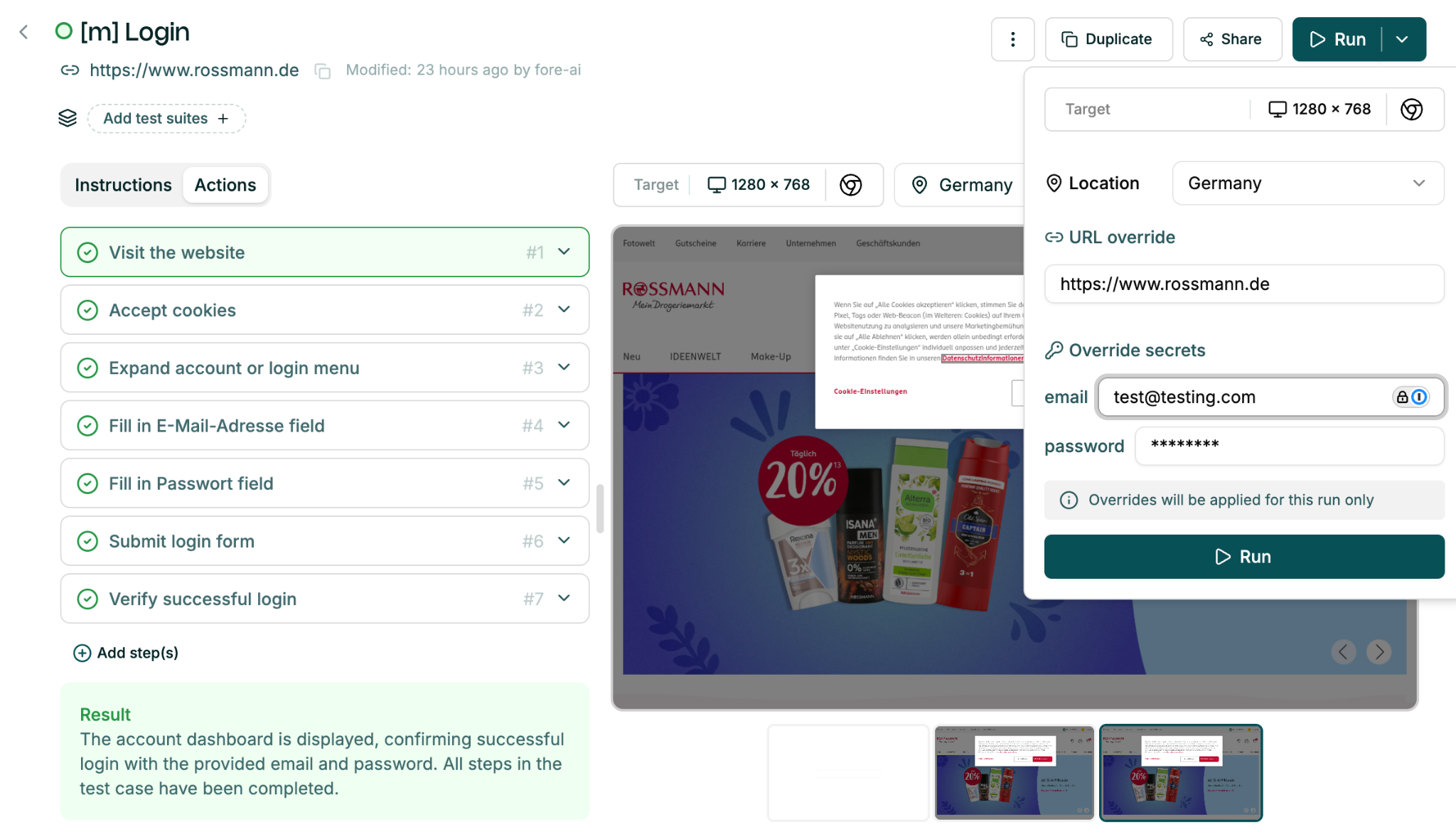
In the testcase UI, open the dropdown in the Run button and override the values.

For fore gitHub actions, set params_override in the YAML file - see example running a test suite.
Overriding test data on test-suites
Variables and Secrets can be overridden while running a test. This allows you to temporarily use different values for a specific test run without modifying the original saved values.
Variables and secrets are both treated differently. The current value of secrets is not (and cannot be) revealed.
Tracking updates
To review recent runs and inspect the parameter values used in each execution, click Recent runs in the top-right corner of the page
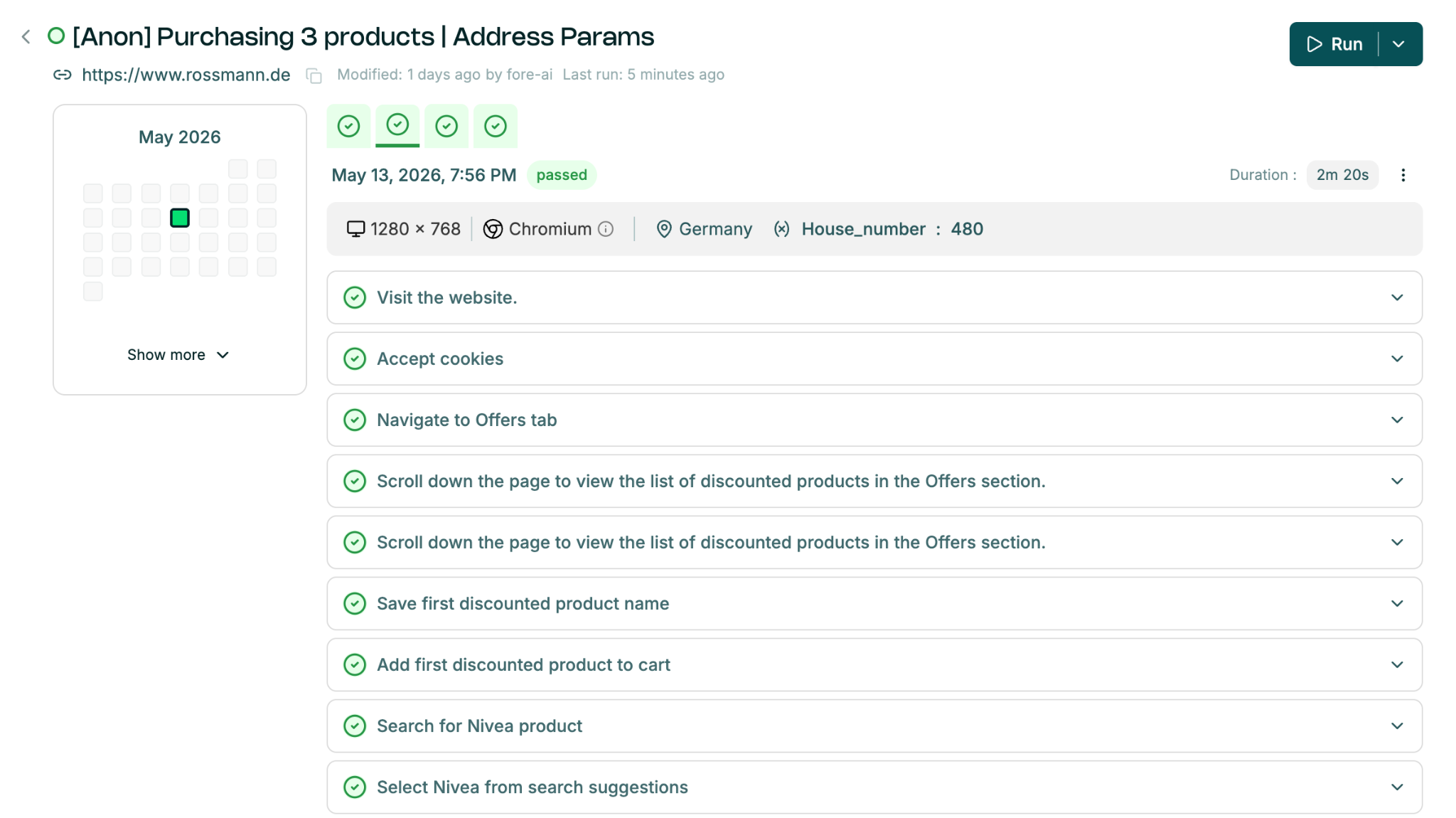
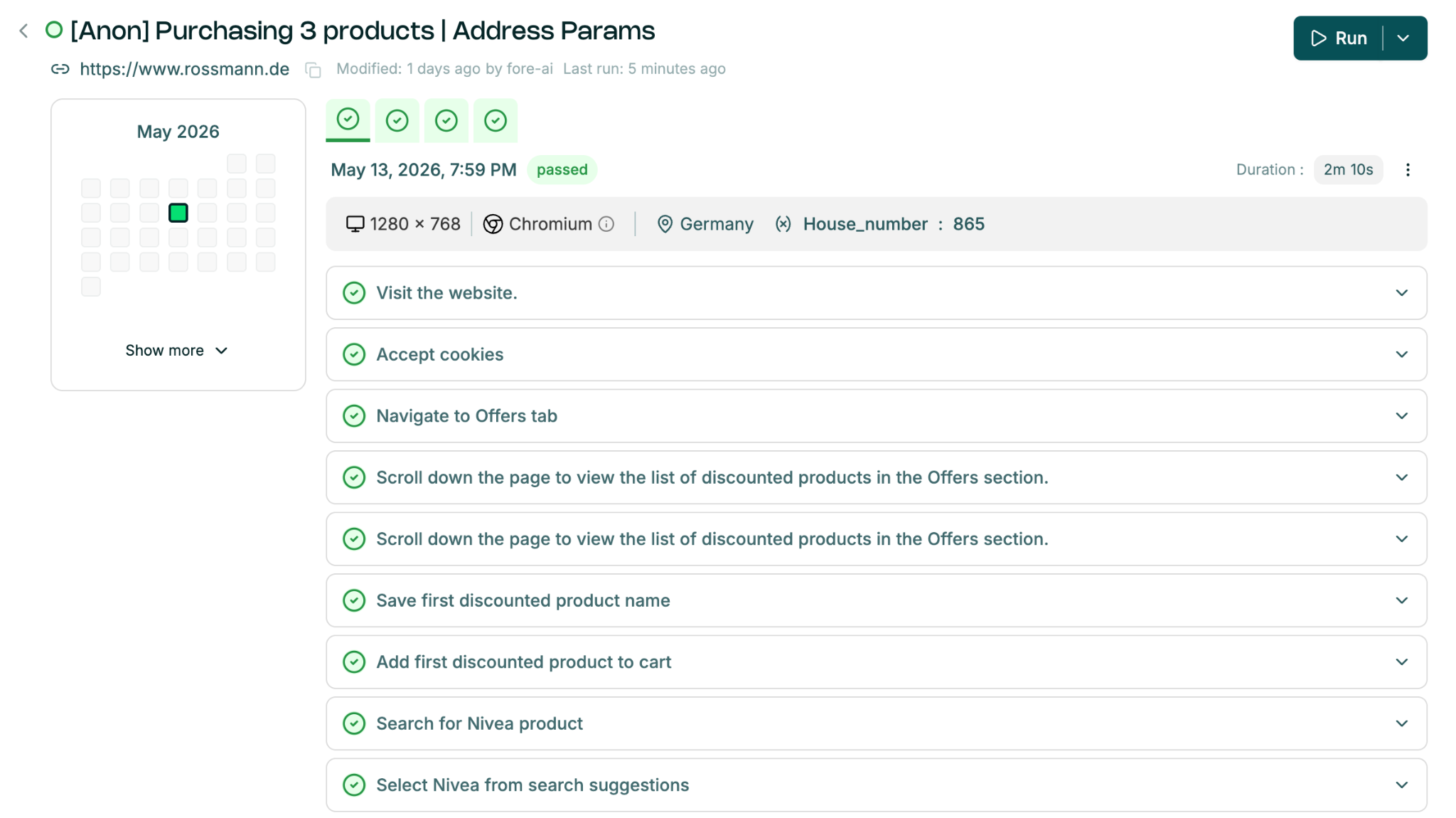
Here you can compare parameter values across runs. For example, the house number used in the first run may be 480, while in the second run it is 865.